Workers and Orchestration
AI Features /Advanced AI (Provider Mode) /Workers and OrchestrationUse Provider Mode workers to generate boards, images, narration, music, and research together.
Provider Mode is built for multi-agent board generation. Instead of asking one model to do everything in one long response, Corkulous orchestrates a planner plus specialized workers that build the board and generate supporting media together.
What Workers Do
During AI board generation, Corkulous can break a request into coordinated jobs:
- Board planner: Interprets your prompt, source material, attachments, and selected model.
- Board builder: Creates the board structure, cards, notes, labels, shapes, and connections.
- Research workers: Search the web or fetch pages when tools are enabled.
- Image workers: Generate images and place them on the board.
- Audio workers: Create spoken narration or summaries as audio items.
- Music workers: Generate music and add it as audio nodes when ElevenLabs and the Music tool are configured.
The goal is one coordinated result: a structured board with text, media, and relationships already assembled.
Board Generation Flow
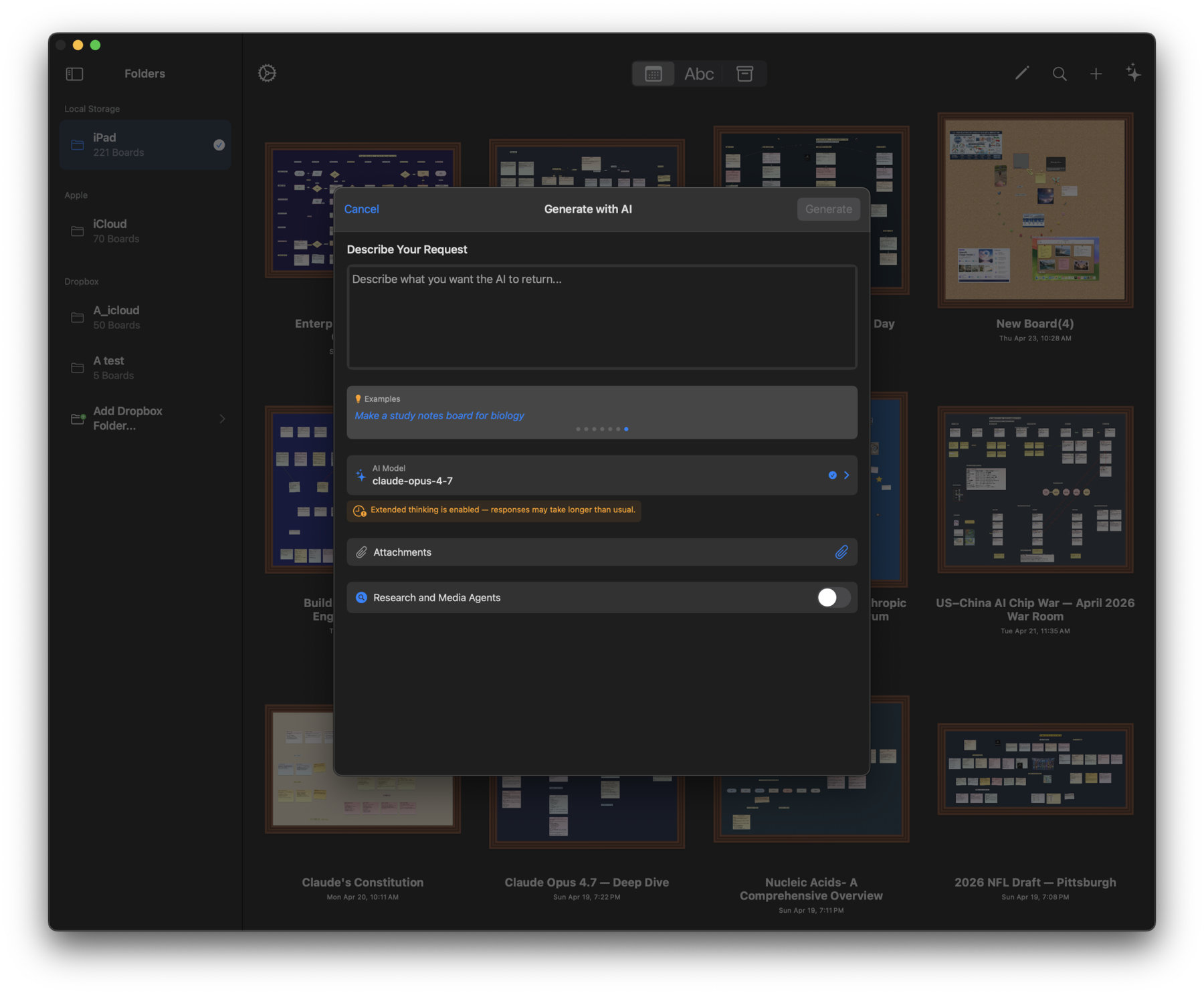
When you generate a board in Provider Mode:
- Corkulous snapshots the active provider, model, tool, media, and worker settings.
- The planner decides what the board should contain.
- Research and media workers run when the prompt and settings allow them.
- Corkulous collects generated images, audio, music, and structured board content.
- The final board is assembled with the generated items already placed on the canvas.
Note: Changing settings while a run is active affects the next run, not the one already in progress.
Worker Settings
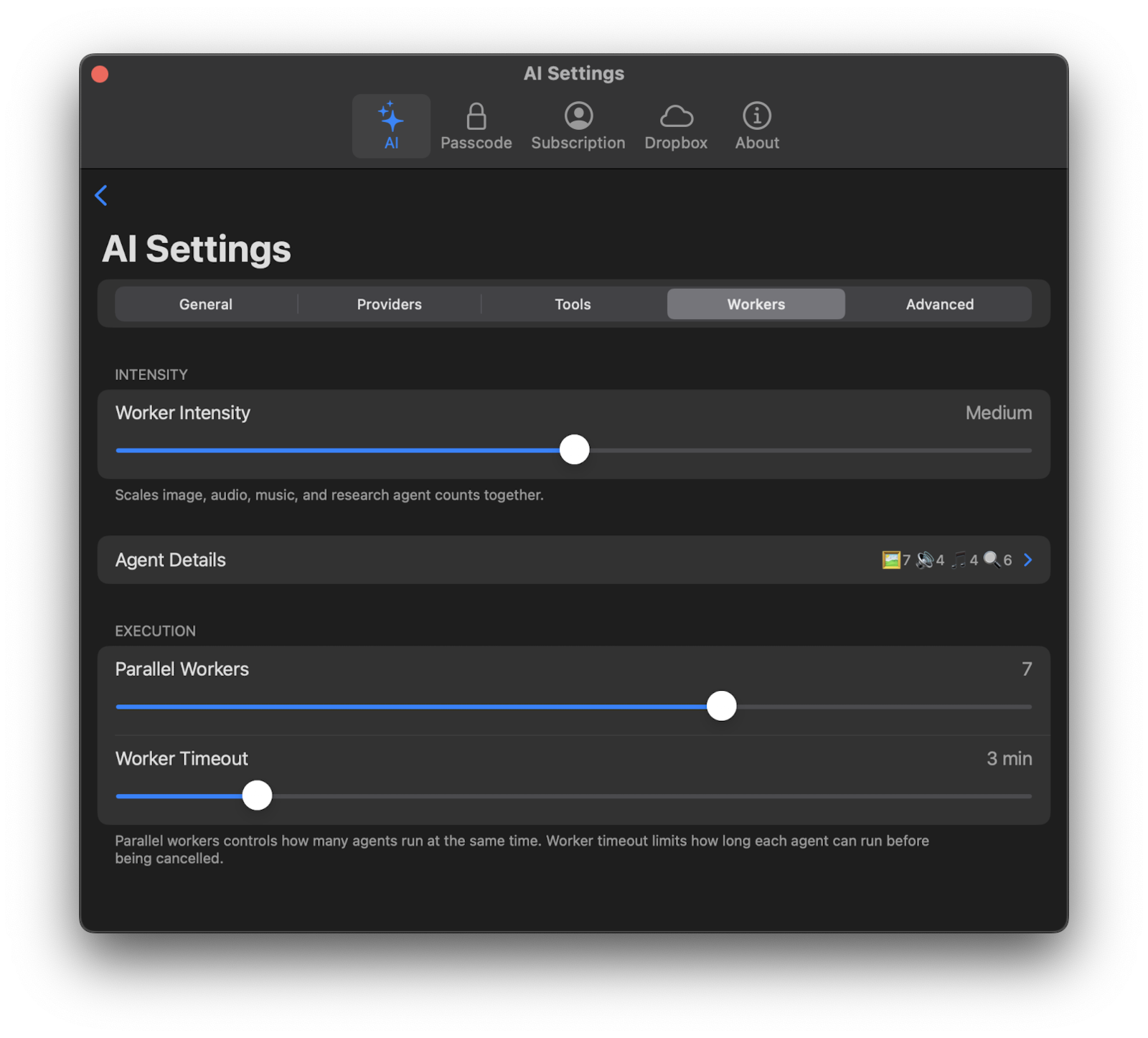
Use the Workers tab in AI Settings to tune how much parallel work Provider Mode can do.
Worker Intensity
Worker Intensity is the broad control. It scales image, audio, music, and research worker counts together. Use lower intensity for faster, simpler boards. Use higher intensity when you want richer boards with more generated media or research.
Agent Details
Open Agent Details to fine-tune individual worker limits — useful when you want, for example, more images but fewer music or research tasks.
For music during board generation, Max Music controls how many music workers can be planned or executed for one board request. The default is 1, and the range is 1 to 8.
Parallel Workers
Parallel Workers controls how many worker jobs can run at the same time. Higher values can finish complex boards faster, but may increase provider load, API usage, and rate-limit pressure.
Worker Timeout
Worker Timeout limits how long an individual worker can run before Corkulous cancels it. Increase it for complex media generation, slower models, long attachments, or network-heavy research. Lower it if you prefer faster failure when a worker gets stuck.
Tools vs Workers
Tools and workers are related, but they are not the same thing:
- Tools are capabilities AI can call, such as web search, URL fetching, or music generation.
- Workers are the parallel jobs that use configured providers and tools to create parts of the board.
For example, enabling the Music tool allows the Agent and board generation to request music. Music workers determine whether board generation can create one or more music tracks as part of the orchestration.
Requirements for Media Workers
Media workers only run when the required provider setup is available:
| Worker Type | Requires |
|---|---|
| Images | An enabled image provider such as OpenAI, Google, or xAI |
| Audio narration | An enabled audio provider such as OpenAI or ElevenLabs |
| Music | ElevenLabs configured as the effective music provider/model, plus the Music tool enabled |
| Video | Google or xAI video setup, where available |
| Research | Provider-native search or configured tools such as OpenAI Search, Brave Search, Firecrawl, Perplexity, or URL Fetching |
If a worker type is unavailable, Corkulous can still complete the board without that media. Use diagnostics or verbose CLI output to see why a requested worker did not run.
Costs and Latency
More workers can produce richer results, but each successful worker can add provider usage. Image, audio, music, video, and search calls may all have separate provider costs. To control spend, reduce worker intensity, lower media worker counts, or disable tools you do not need.
