OS Features
Welcome to Corkulous /OS FeaturesDark mode, multi-window, widgets, and Shortcuts integration.
Corkulous integrates with the system features you already use on iOS, iPadOS, and macOS, so boards fit naturally into your everyday workflow.
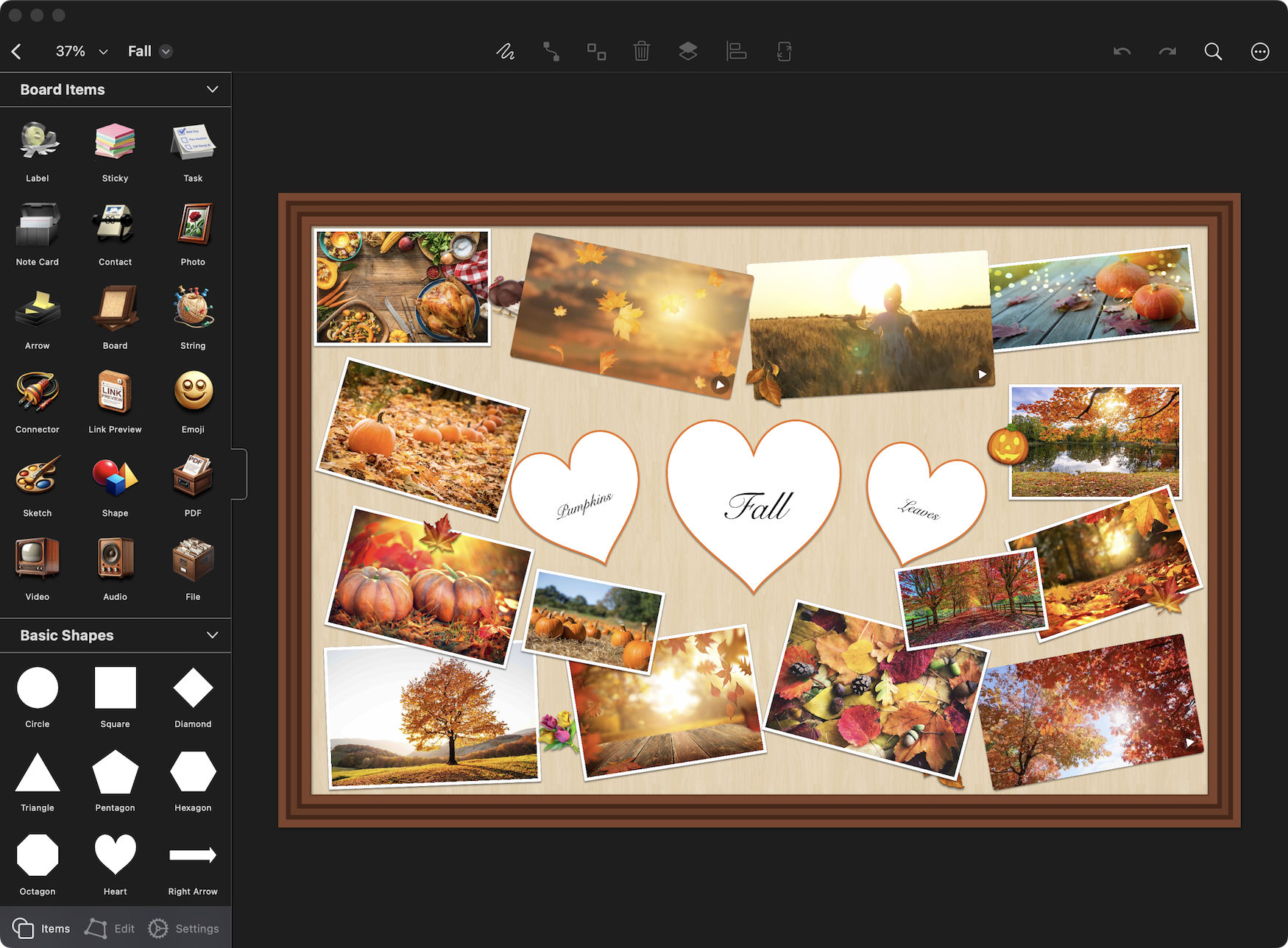
Dark Mode
Corkulous supports both light and dark appearances and follows your system setting automatically. Dark mode is easier on the eyes in low-light environments.
Multi-Window Support
Work with multiple boards at the same time using Split View on iPad or multiple windows on Mac. This is great for comparing boards or moving items between them.
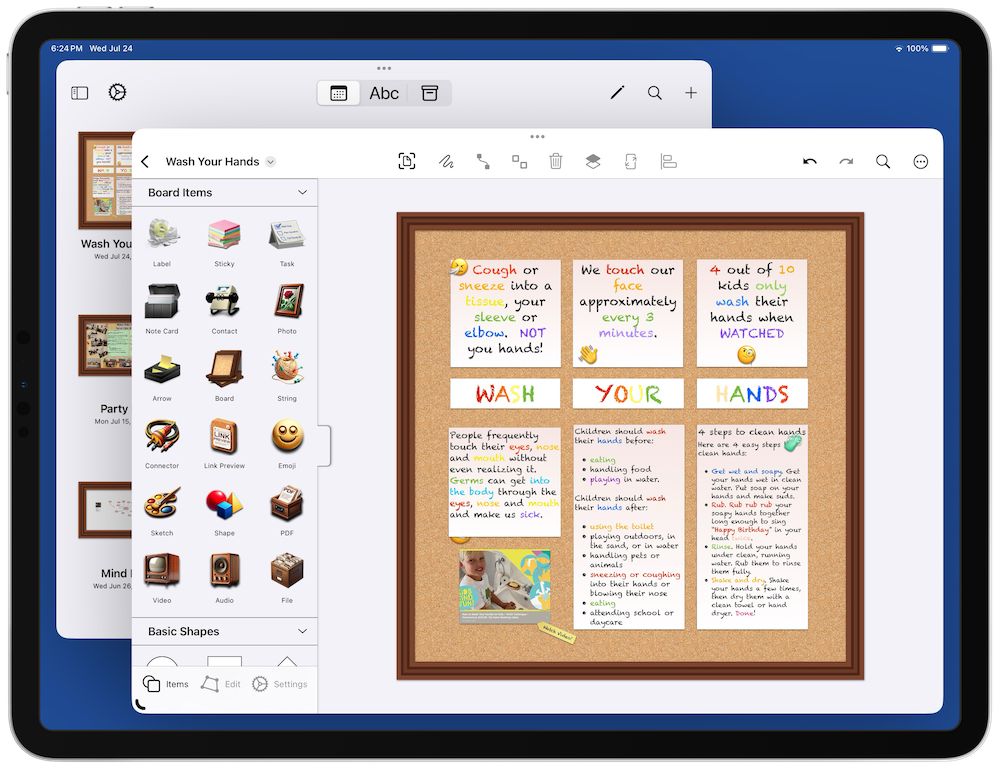
Learn more about iPadOS multitasking
Shortcuts
Automate board creation and management with Apple Shortcuts. Corkulous provides over 20 shortcut actions for creating boards, adding items, connecting elements, and exporting.

Learn more about Apple Shortcuts | See our automation documentation
Home Screen Widget
Add a Corkulous widget to your Home Screen for quick access to recent boards. Touch and hold the widget to customize which boards appear.

