iPhone Duo puts a phone and a large canvas in one device. Corkulous 9.0 uses both. Folded, you get the iPhone layout you already know. Unfolded, Corkulous switches to its iPad layout, with sidebars, panels, and room to spread a board out.
Folded: Your Boards in One Hand
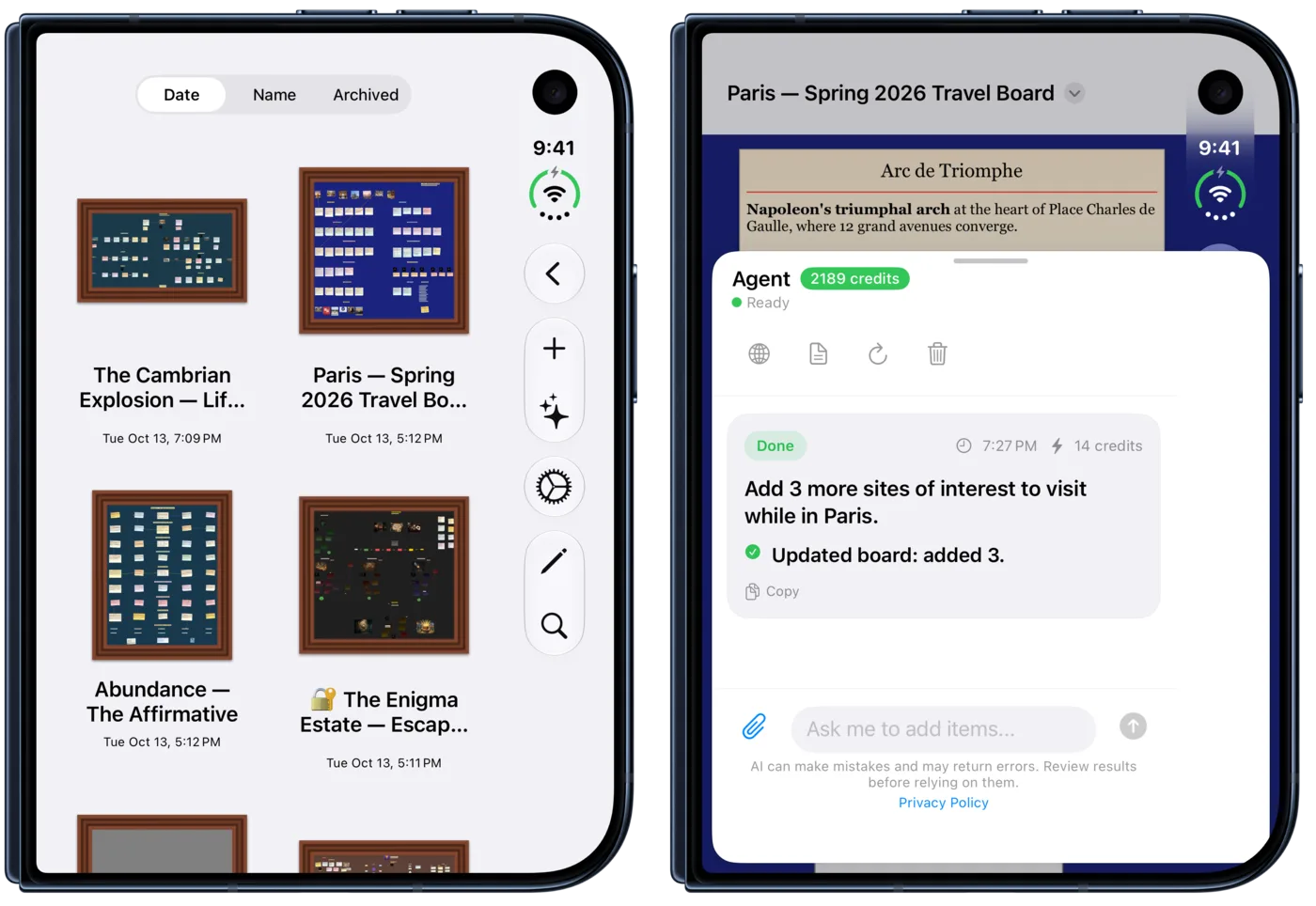
On the outer display, Corkulous works like it does on any iPhone. Browse your library, open a board, add items, or ask the Agent for help without unfolding.
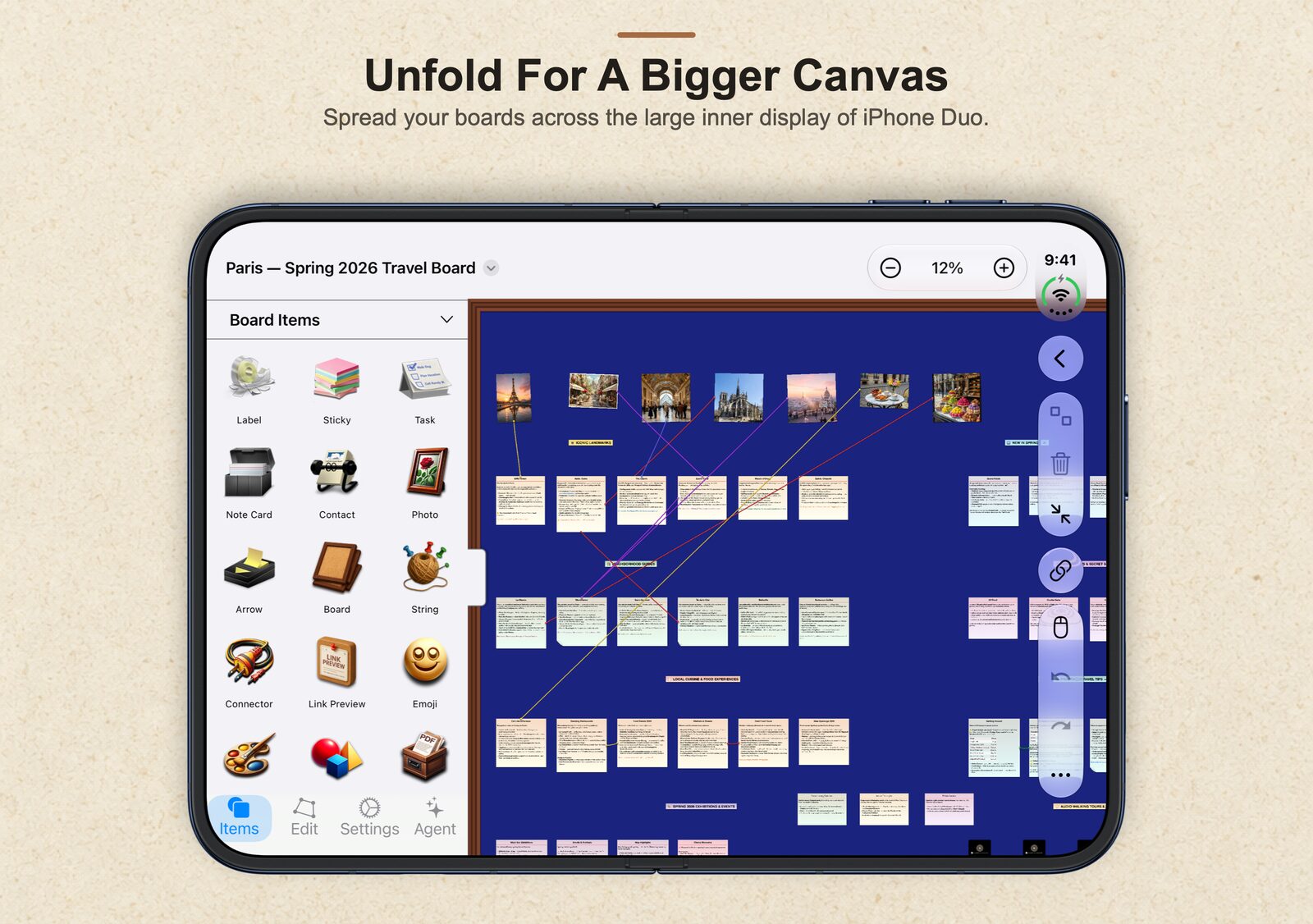
Unfold for a Bigger Canvas
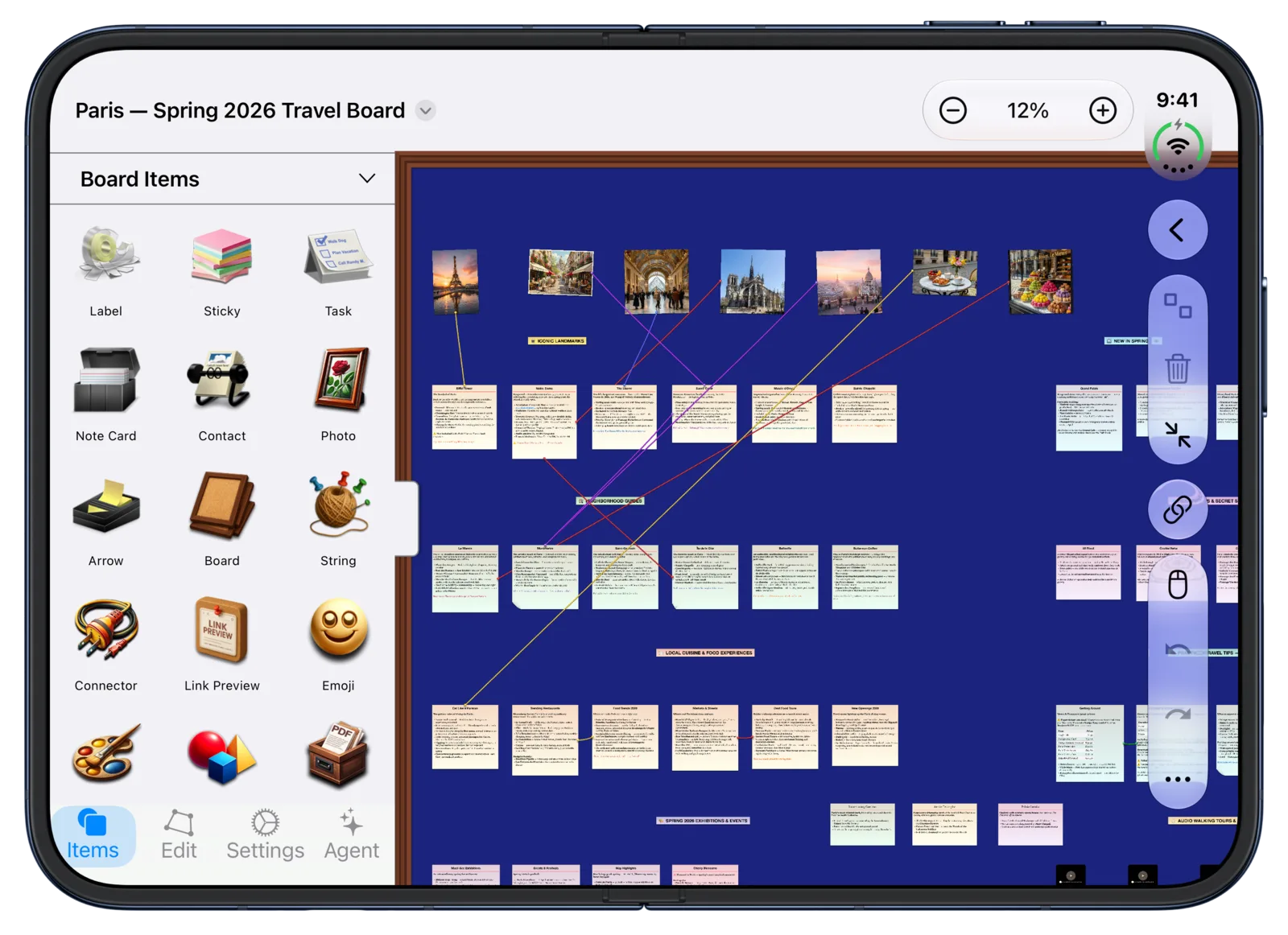
Open iPhone Duo and Corkulous moves to the layout it uses on iPad. The Board Items panel sits beside the canvas, so you can add notes, photos, tasks, strings, and shapes while the board stays in view.
The library gets its folder sidebar back too. Local, iCloud, and Dropbox boards are a tap away.
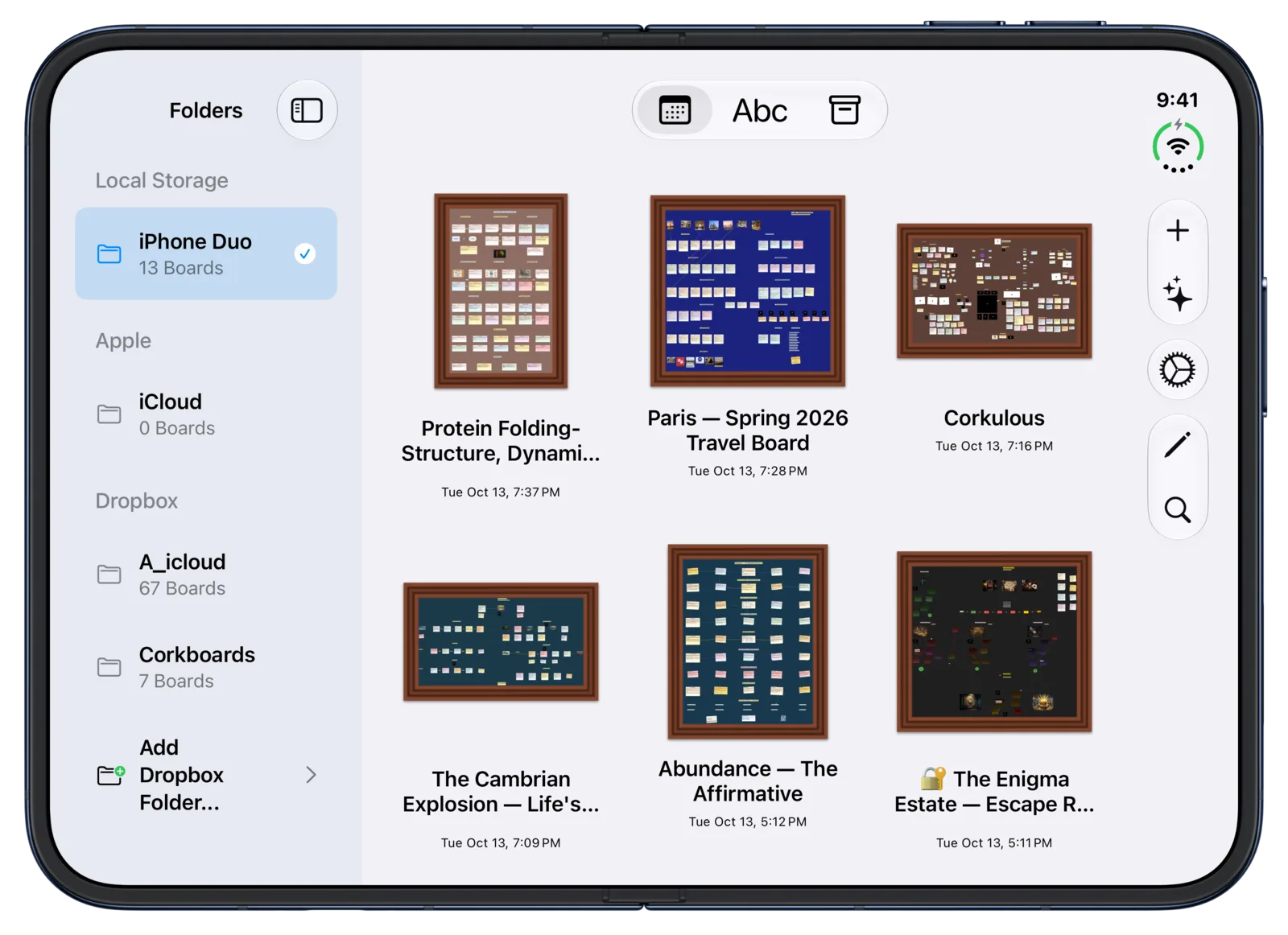
Corkulous switches layouts as you fold and unfold. Its controls stay clear of the status bar that runs along the edge of the iPhone Duo display.
AI and the Agent Get Room to Work
The larger display is a comfortable place to start a board from an idea. Describe what you want in the AI Board Generator, attach files or turn on web search, and Corkulous builds the board on our servers while you keep working.
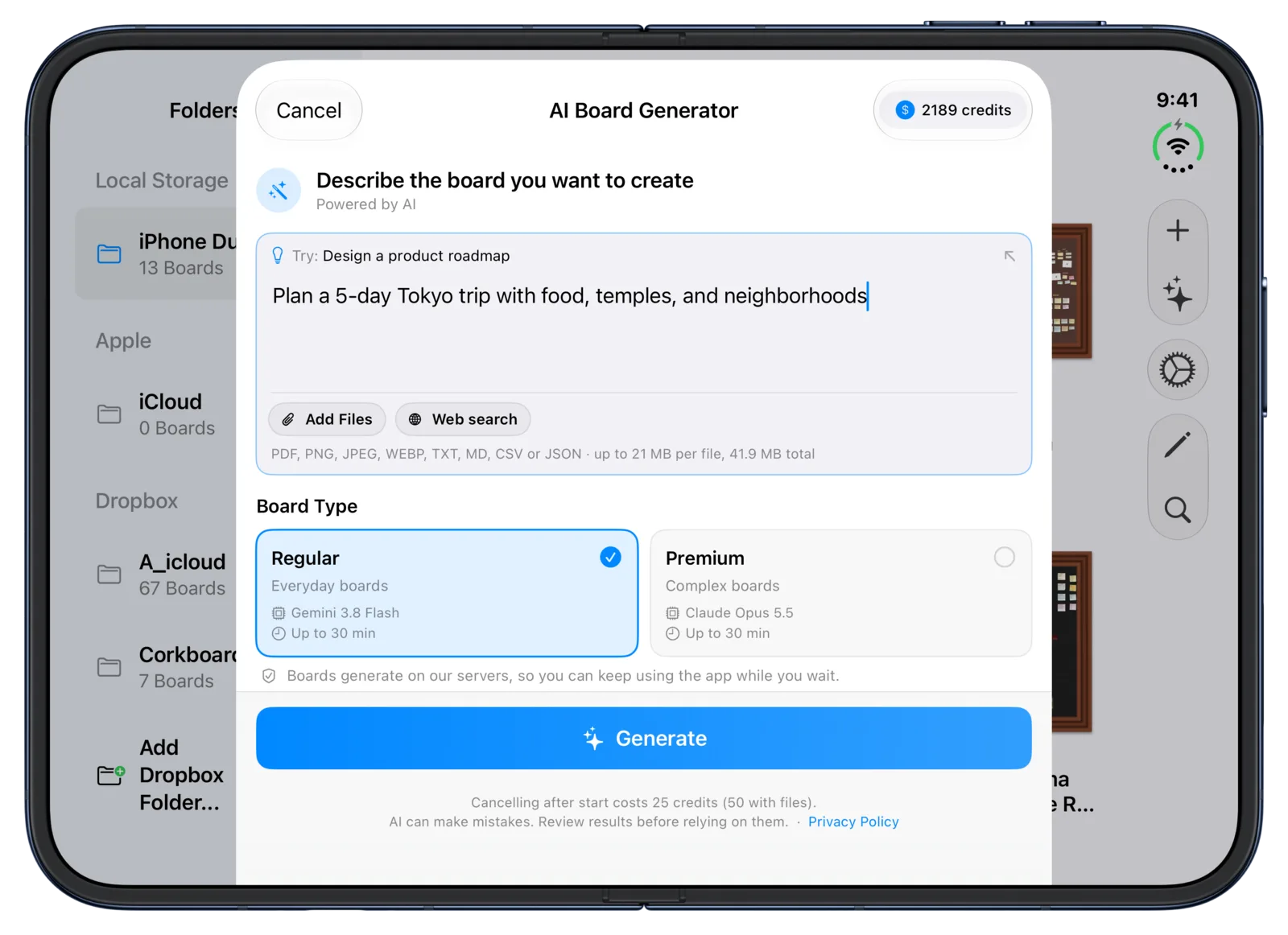
Unfolded, the Agent opens beside your board instead of on top of it. Ask it to add items or reorganize, and watch the changes land on the canvas.
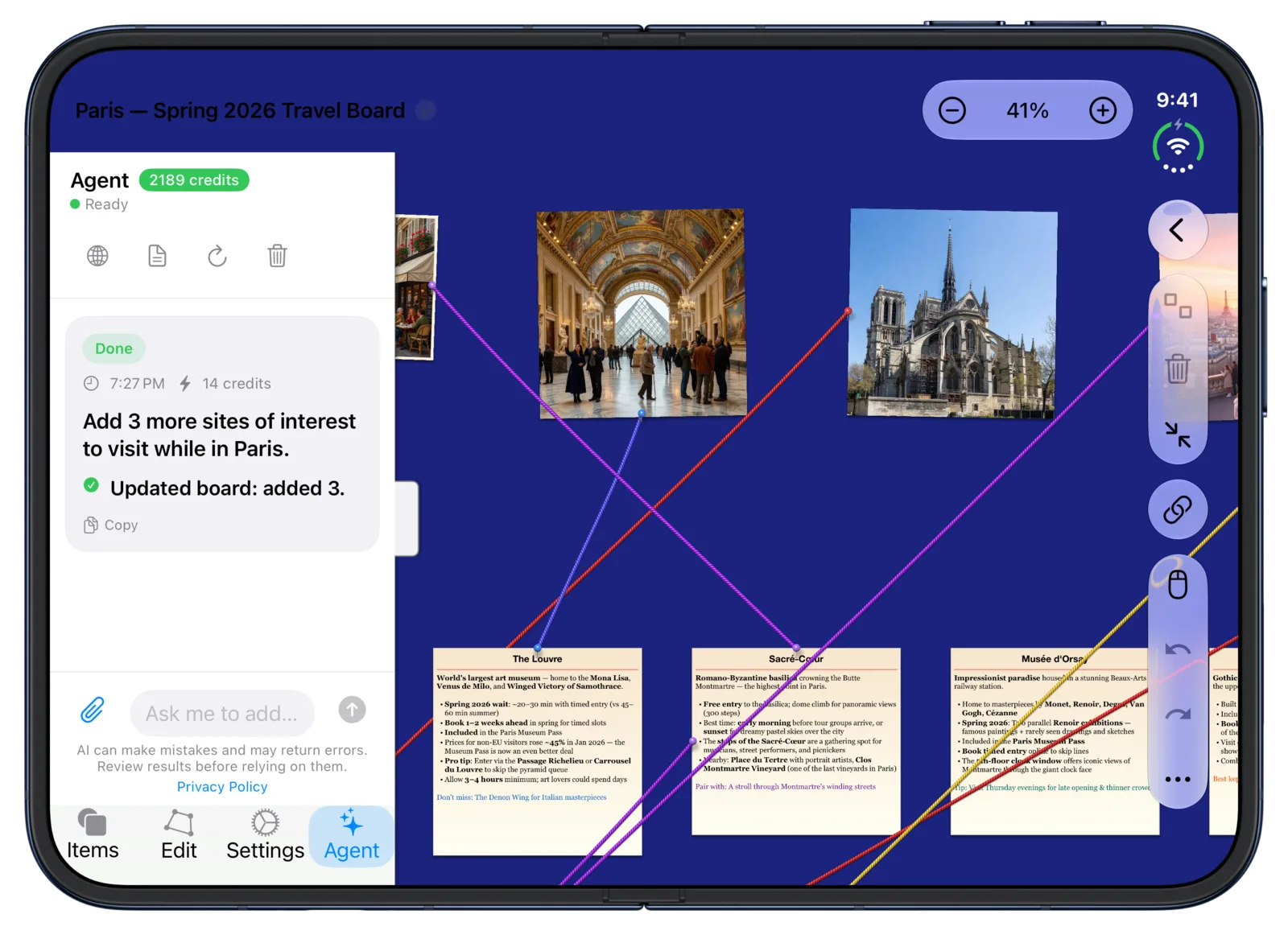
Generate a board with AI · Chat with your board
Connect the Clues
Big boards with many connections are easier to read with the extra space. Link evidence, notes, and timelines with colorful strings, and keep the style controls open while you work.
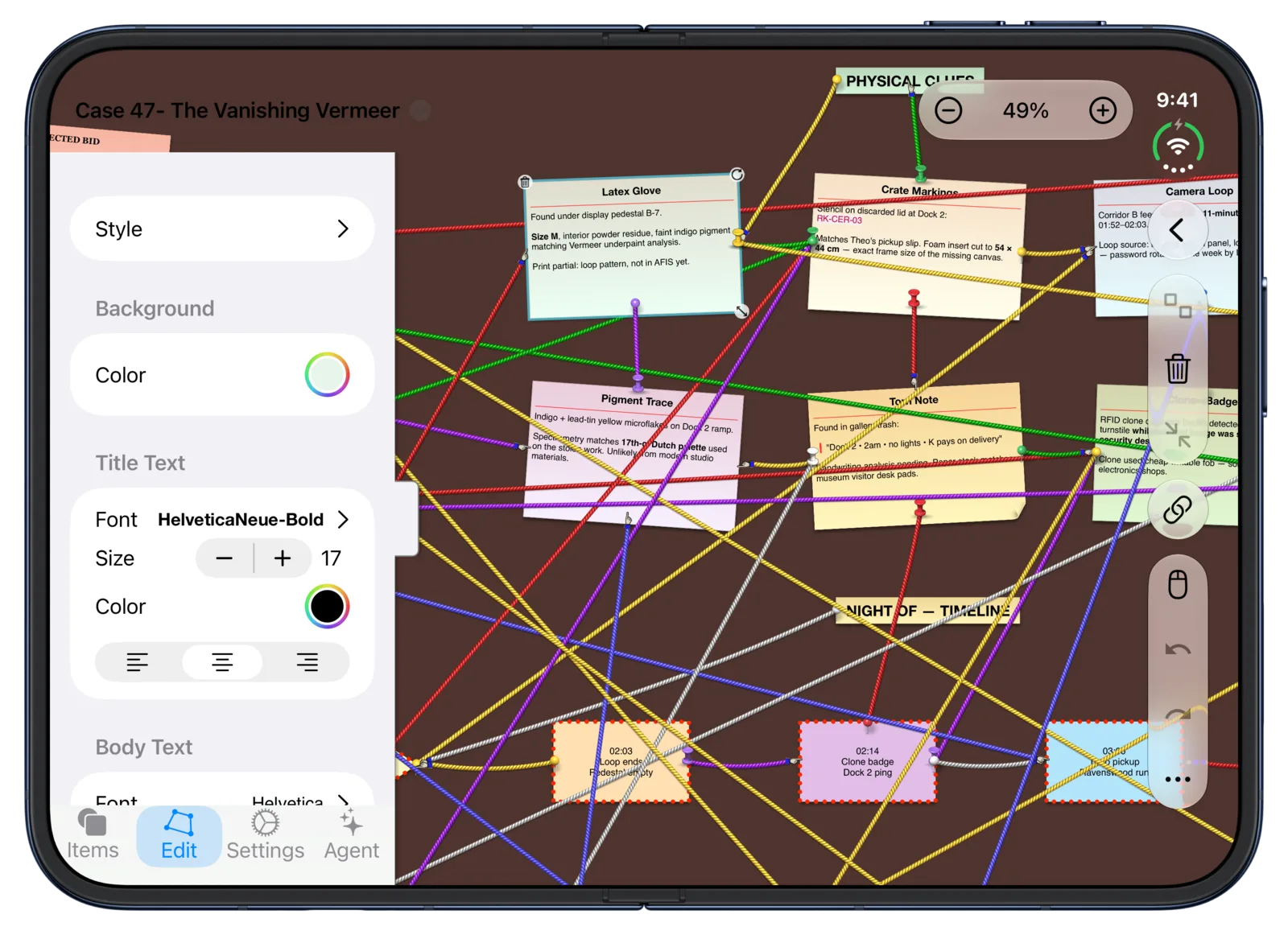
Available in Corkulous 9.0
iPhone Duo support is part of Corkulous 9.0. Update from the App Store and your boards are ready on both displays. See everything else in the release in What’s New.
